Tag: Aclas CRBX ETR Machine Configuration - Kenya
Aclas CRBX ETR Machine Configuration - Kenya
Showing the single result
-
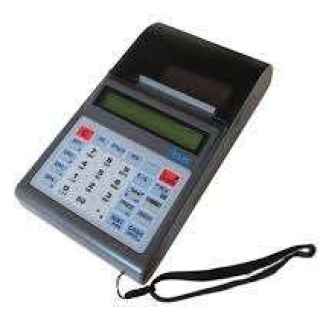
Aclas CRBX ETR Machine Configuration – Kenya
KSh57,000.00Add to cartAclas CRBX ETR Machine Configuration
Aclas ETR Machine is easy to use the device, its manual clearly indicates the procedure to use when feeding the device. Aclas ETR machine is a long-lasting device with a battery that can keeps charges for weeks without the need of the user charging the device constantly.
How to Use Aclas ETR Machine
SALES MODE,
Switch on the device
Ensure you have the sales mode display 0
Key in amount( should always be VAT inclusive where applicable)
Press one of the VAT keys(DP1)/5=16%, DP2/6=0%,DP3/7=EXEMPT)
Press SBTL key to confirm the amount in transaction
To end a transaction, press the CASH key: the device issues a fiscal receipt.
To correct errorsThis can only be done before pressing the CASH key.. It is therefore advisable to press SUBT key before the CASH one for confirmation. Press on the SHIFT key then EC/VOID key to cancel receipt completely then start afresh TO LOGOUT OUT CLERK, PRESS 0,THEN CLERK. TO LOGIN PRESS 1, CLERK, INPUT PASSWORD 0000 THEN PRESS CASH
Z REPORT MODE
This is where you get the total sales for the day. it should be done at the end of the day when you have transacted. there is no need to do this if yo have not done any sales in the day.
Steps in issuing a Daily Z-Report
press C then press clerk
Scroll using CLERK the button until Z mode
Press CASH
Input the password i.e 0000 then press CASH
Shows Daily Z press CASH again
ISSUING A MONTHLY REPORT
ress C then press clerk
Scroll using CLERK the button until Z mode Press CASH
Input the password i.e 0000 then press CASH
Using CLERK scroll to get Fiscal report, PRESS CASH
Using CLERK scroll to get summary
Press CASH until it shows (from date), PRESS CASH again
Input date e.g (010311310311) for monthly report of March i.e 01 March 2011 to 31 March 2011 beginning date and end date together without any spacing, then CASH
Device issues the monthly reportGeneral Specifications
Paper width: 57mm
Printers speed: 60mm/s max
Display: 6 8 Alphanumeric LCD
KRA Approved Etr Machine
Intergrated GPRS module for connection to any on-line system
Fast Silent Printer
Drop-in paper loading mechanism for easy handling of paper roll – Multipurpose keys are located on the keyboard with pre-assigned functions
Operator and customer display
60 hours standby mode.
Backlight-can work in dark places
Paper width of upto 57mmx42mm
Printing of receipt duplicates
Ideal for use in busy retail outlets
Keeping daily sales and total turn-overs
Auto update of date and time
1 year warranty on all new machines
We offer free training,configuration and 24/7 customer support after purchase
Popular Products
-
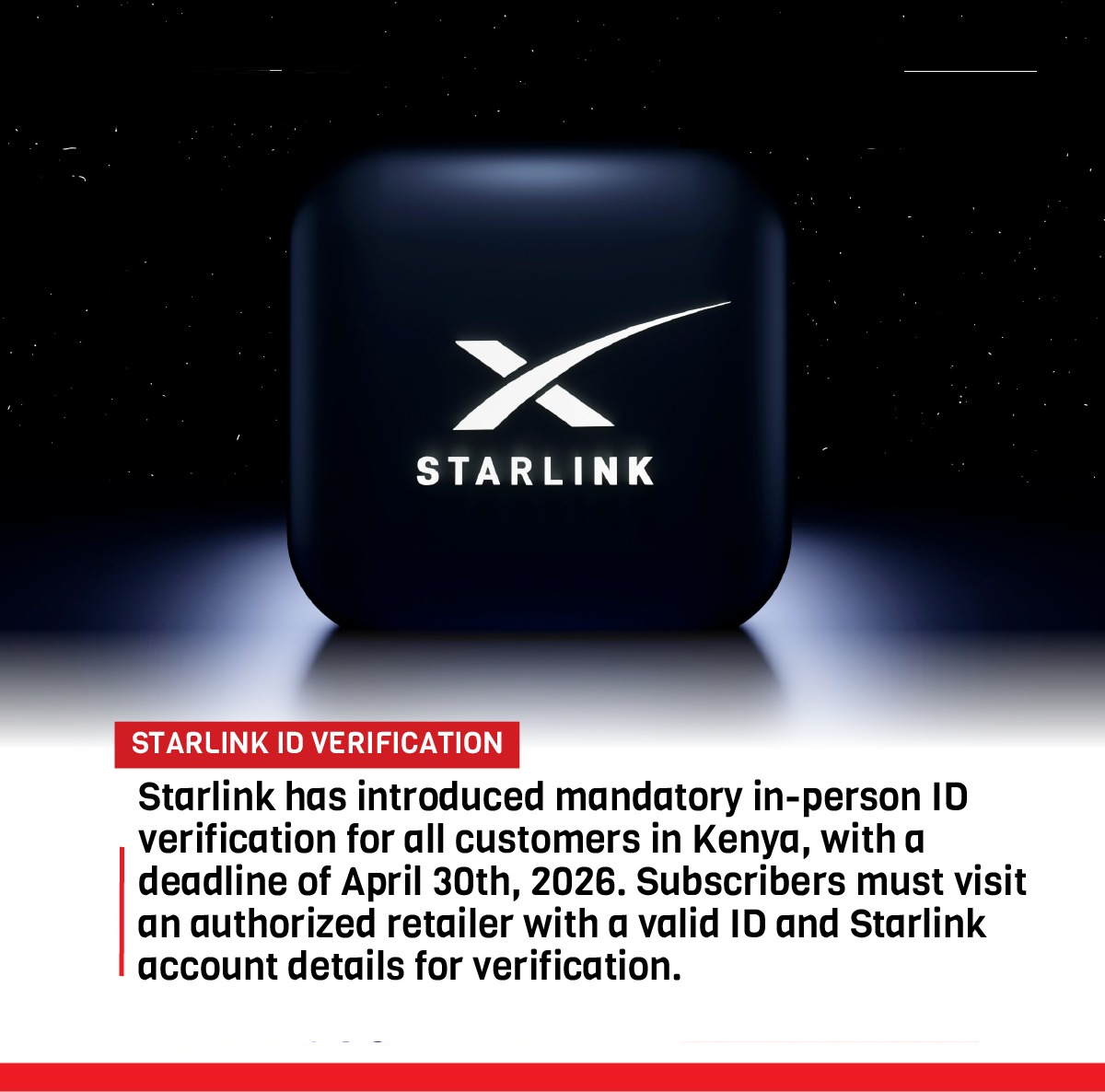
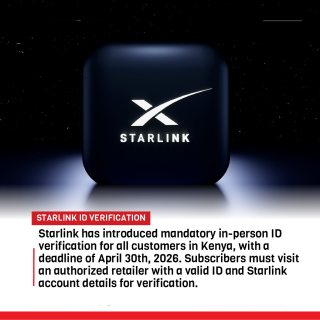 Starlink In Person Verification Services In Kenya
KSh3,000.00
Starlink In Person Verification Services In Kenya
KSh3,000.00
-
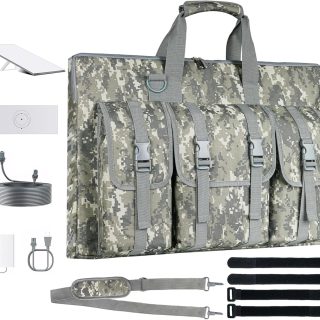 Starlink Gen 3 Case Compatible with Starlink Gen 3, Waterproof Starlink Standard Case, Shockproof Starlink Carrying Bag for Satellite Dish Accessories, Travel Bag for Camping and RV
-
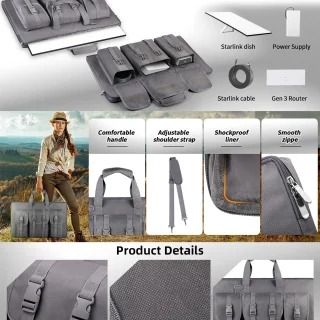 STARLINK Gen3 Portable Accessory Storage Bag, Outdoor Camping, Portable Handbag, Made Of Polyester Material.
-
 Carrying Bag For Starlink V4 Satellite Portable RV Outdoor Travel Bag Rectangular Storage Handbag For Starlink Gen3 Accessory
-
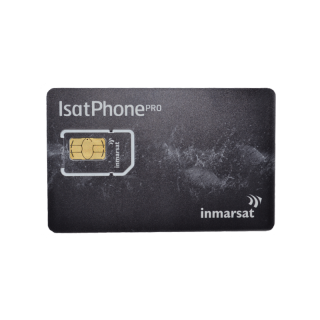 IsatPhone Link 50 Units - 30 Days
Validity
IsatPhone Link 50 Units - 30 Days
Validity
Products
-
Starlink In Person Verification Services In Kenya
KSh3,000.00
-
Starlink Gen 3 Case Compatible with Starlink Gen 3, Waterproof Starlink Standard Case, Shockproof Starlink Carrying Bag for Satellite Dish Accessories, Travel Bag for Camping and RV
-
STARLINK Gen3 Portable Accessory Storage Bag, Outdoor Camping, Portable Handbag, Made Of Polyester Material.
-
Carrying Bag For Starlink V4 Satellite Portable RV Outdoor Travel Bag Rectangular Storage Handbag For Starlink Gen3 Accessory
-
IsatPhone Link 50 Units - 30 Days
Validity